Make vs Zapier vs n8n pour une PME de 3 personnes : ce que la page de prix cache
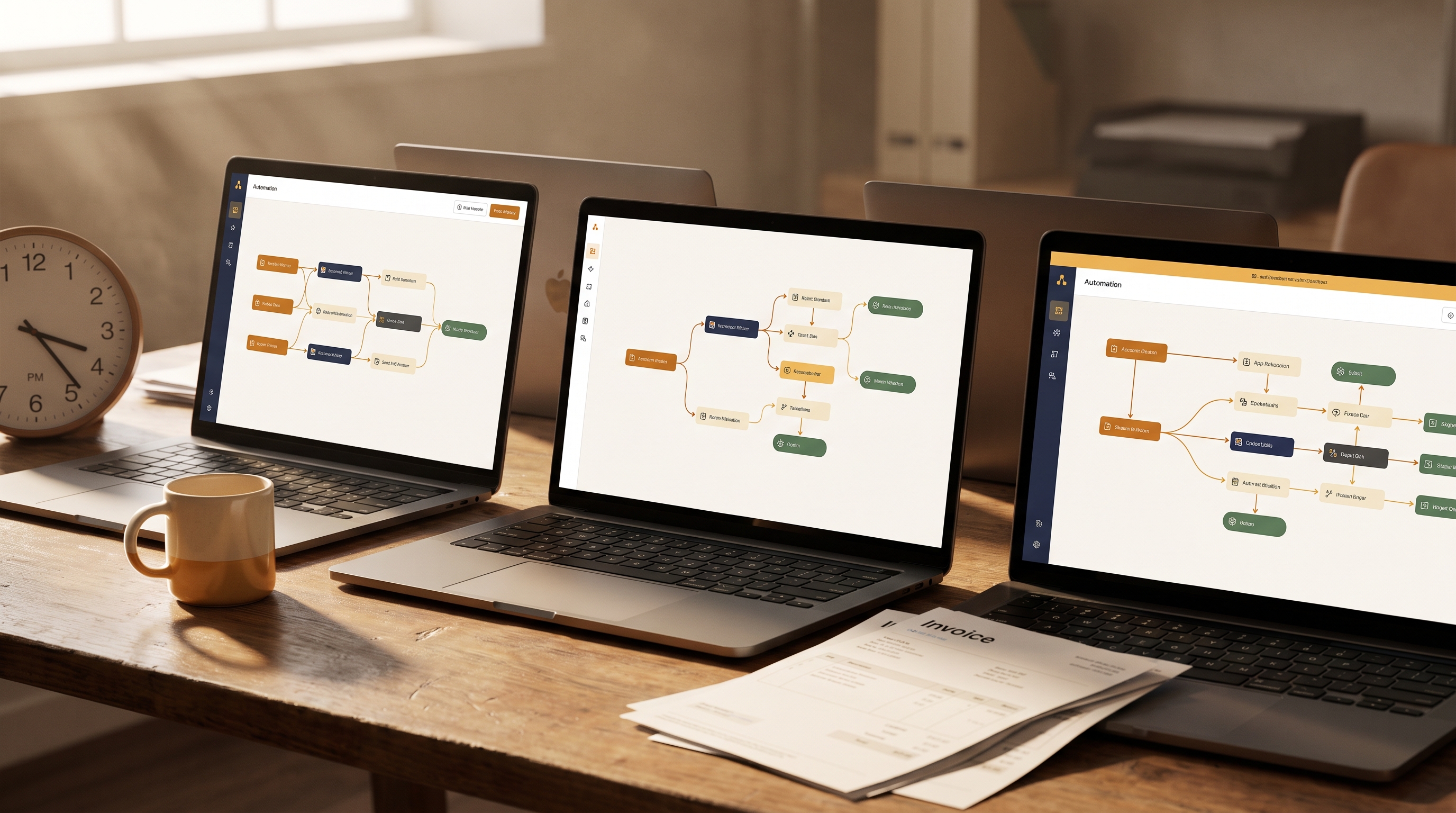
Tous les articles de comparaison sur le sujet commencent avec le même tableau. Zapier pour les débutants, Make pour le milieu de gamme, n8n pour les développeurs. Puis ça s'arrête là.
Ce cadrage n'est pas faux. Il est juste inutile pour une entreprise de services de trois personnes qui essaie de décider où bâtir ses opérations pour les trois prochaines années.
La vraie comparaison Make vs Zapier vs n8n pour une petite PME de services, ce n'est pas une question de prix mensuel. C'est une question de ce qui arrive quand ton volume de clients double, quand un workflow brise un vendredi soir, et quand la seule personne qui a bâti tes automatisations part en sabbatique. Ces scénarios n'apparaissent sur aucune page de prix.
J'ai bâti et audité des workflows sur les trois plateformes. Voici ce que la page de prix ne te dit pas.
Les vraies économies unitaires pour une équipe de 3
Chaque plateforme compte le travail différemment. Ce n'est pas une note en bas de page. C'est la chose la plus importante à comprendre avant de t'engager.
Zapier facture par tâche. Chaque étape d'action dans un workflow compte comme une tâche. Un workflow de cinq étapes qui roule 1 000 fois par mois consomme 5 000 tâches. À volume élevé, ce calcul devient vite douloureux. Selon les recherches d'Automation Atlas, les équipes qui modélisent leur volume de tâches avec une projection réaliste sur trois mois évitent systématiquement les erreurs d'achat les plus coûteuses sur Zapier.
Make facture par opération. Logique similaire, règles de comptage légèrement différentes. Un scénario visuel avec plusieurs modules accumule des opérations rapidement, mais les prix de Make à volume équivalent se situent environ 60 % en dessous de Zapier, selon plusieurs comparaisons de 2026.
n8n facture par exécution de workflow sur ses plans infonuagiques. Une exécution complète, peu importe le nombre de nœuds touchés, compte comme une seule exécution. Pour des workflows à plusieurs étapes avec une logique complexe, c'est un modèle significativement différent. À l'équivalent de 50 000 tâches par mois, une analyse situe Make à environ 250 £, Zapier à environ 940 £, et n8n auto-hébergé à environ 20 £. C'est l'écart de 47x qu'aucune page de prix n'affiche clairement.
Pour une PME de services de trois personnes avec un volume d'automatisation modéré, la différence de facture mensuelle entre Zapier et Make peut être de 30 $ à 60 $. Pas une catastrophe. Mais l'écart s'amplifie quand ton entreprise grandit, et changer de plateforme en pleine croissance coûte beaucoup plus cher que les économies mensuelles que tu as tardé à capturer.
Tu veux modéliser ce que cette différence de coût représente pour ton volume de workflows spécifique ? Le Calculateur ROI IA gratuit te permet d'estimer tes économies potentielles avant de t'engager sur une plateforme.
Ce que « facile » te coûte vraiment
Zapier s'est bâti une réputation sur la facilité d'utilisation. Pour un fondateur non technique qui a besoin d'un automatisme fonctionnel en 45 minutes, cette réputation est méritée. L'éditeur étape par étape élimine presque toute friction lors de la configuration initiale.
Mais la facilité d'entrée crée un piège bien précis pour les petites entreprises de services. Tu construis vite, tu t'étends vite, puis tu frappes le plafond.
Ce plafond se manifeste de trois façons :
La logique de branchement. Les workflows simples fonctionnent bien. Dès que tu as besoin d'un workflow qui redirige différemment selon le type de client, la taille du projet ou le contenu d'une réponse, la structure de Zapier devient ingérable. Ce que Make gère avec un routeur visuel, Zapier le gère avec des Zaps séparés et des Paths, ce qui multiplie ton nombre de tâches.
La gestion des erreurs. Sur Zapier, quand une étape échoue, le comportement par défaut est d'arrêter et de t'envoyer un courriel. Sur Make, tu peux intégrer des routes d'erreur explicites directement dans le scénario. Sur n8n, la gestion des erreurs est une fonctionnalité de premier plan avec des nœuds déclencheurs d'erreur dédiés. Pour une entreprise de services où un automatisme brisé signifie qu'un client ne reçoit pas son courriel d'accueil ou qu'un contrat n'est pas signé, la gestion des erreurs n'est pas un luxe.
La transformation de données. Reformater des dates, analyser des chaînes de texte, nettoyer des payloads de webhook. Zapier gère les transformations de base, mais la manipulation complexe de données exige des contournements ou des fonctionnalités premium. Make et n8n le font nativement.
Aucune de ces limitations n'apparaît sur la page de prix. Elles apparaissent à 22 h quand un workflow critique brise et que tu essaies de le déboguer seul.
Le risque de dépendance envers un fournisseur dont personne ne parle
C'est la conversation que j'ai le plus souvent avec les PME de trois personnes six mois après qu'elles ont choisi une plateforme.
Chaque heure que tu passes à bâtir des workflows sur Zapier, c'est une heure de savoir institutionnel qui ne fonctionne que sur Zapier. La logique, les structures de déclencheurs, les séquences à plusieurs étapes. Rien de tout ça ne s'exporte proprement vers une autre plateforme. Reconstruire, ce n'est pas une mise à jour. C'est un projet.
Les workflows Make s'exportent en fichiers JSON, ce qui te donne une certaine portabilité en théorie. En pratique, déplacer un scénario Make complexe vers une autre plateforme exige quand même une reconstruction significative. L'export est utile pour la sauvegarde et le contrôle de version, pas pour la migration.
Les workflows n8n sont des JSON entièrement portables qui fonctionnent sur n'importe quelle instance n8n, infonuagique ou auto-hébergée. Pour une petite équipe préoccupée par le risque de plateforme, c'est une différence concrète. Si n8n augmente ses prix ou change son modèle, tu es propriétaire de tes workflows et de tes données. Avec les plateformes exclusivement infonuagiques, tu es abonné, pas propriétaire.
L'auto-hébergement compte pour une autre raison : la résidence des données. Si ton entreprise de services traite des informations sensibles sur les clients, des données financières ou quoi que ce soit avec des implications de conformité, faire tourner ton infrastructure d'automatisation sur une plateforme infonuagique partagée signifie que tes données de workflow transitent par l'infrastructure de ce fournisseur. L'option auto-hébergée de n8n garde les données de workflow dans ton propre environnement. Zapier et Make sont exclusivement infonuagiques.
Ce n'est pas une préoccupation hypothétique. Elle revient régulièrement dans les conversations de services-conseils que j'ai avec des firmes de services professionnels dans des secteurs réglementés.
Le coût caché : les compétences spécifiques à la plateforme
Voici une question que la page de prix ne pose jamais : qui sur ton équipe de trois personnes va maintenir ces workflows dans six mois ?
Le faible seuil de compétence de Zapier joue dans les deux sens. N'importe qui dans ton équipe peut entrer et faire des changements, ce qui semble bien jusqu'à ce que quelqu'un fasse une modification qui brise un workflow connecté et que personne ne s'en rende compte pendant trois jours.
Le canevas visuel de Make est vraiment puissant, mais la courbe d'apprentissage est réelle. Bâtir des scénarios fiables avec une gestion des erreurs adéquate, des filtres et des agrégateurs prend du temps à maîtriser. Prévois quelques semaines avant qu'un membre non technique de ton équipe construise avec confiance, pas quelques heures.
n8n a la courbe initiale la plus abrupte des trois. L'interface par nœuds est intuitive une fois qu'on la connaît, mais faire tourner une instance auto-hébergée et la maintenir à travers les mises à jour exige une certaine aisance avec les bases de l'infrastructure. Pour une équipe sans ressources techniques, cette charge est un coût réel. Selon une analyse, configurer une instance n8n auto-hébergée prend réalistement de deux à quatre heures de déploiement initial. Si tu valorises ce temps, le calcul du seuil de rentabilité compte.
L'AI Automation Playbook couvre comment réfléchir à la sélection de plateforme en fonction de la capacité technique réelle de ton équipe, ce qui est souvent le facteur décisif qu'on saute.
Un cadre pour choisir sans regrets
Oublie les étiquettes de niveau de compétence. Voici comment je réfléchis vraiment à l'adéquation d'une plateforme pour une petite entreprise de services.
Commence par ta trajectoire de croissance. Si tu roules 20 automatismes légers et que tu ne prévois pas de changement significatif, la simplicité de Zapier peut vraiment être le bon compromis. Si tu construis vers une opération fortement automatisée avec des workflows clients complexes, commencer sur Make ou n8n t'évite une migration douloureuse plus tard.
Modélise ton volume de tâches réel. Prends tes workflows actuels, compte les étapes, multiplie par les exécutions mensuelles. Fais-le pour ce à quoi ressemble ton volume dans 12 mois, pas aujourd'hui. La plateforme qui paraît abordable aujourd'hui peut avoir un tout autre visage à 3 fois le volume.
Évalue ta tolérance aux erreurs. Pour une entreprise de services où les pannes d'automatisation affectent directement l'expérience client, choisis une plateforme avec une gestion des erreurs robuste intégrée. C'est le territoire de Make ou n8n.
Pense à qui est responsable de la maintenance. Si la réponse est « celui qui l'a bâti », c'est un risque quelle que soit la plateforme. Mais certaines plateformes permettent plus facilement à un deuxième membre de l'équipe de prendre le relais. Zapier est le plus accessible. Make exige plus d'intégration. La documentation de n8n est solide, mais la couche d'infrastructure ajoute de la complexité.
Évalue la sensibilité de tes données. Tout ce qui a des exigences de conformité, des données clients sensibles ou des informations réglementées mérite un examen sérieux de n8n auto-hébergé. Les économies de coûts sont un avantage secondaire. Le contrôle des données est l'avantage principal.
J'ai préparé un AI Systems Starter Pack gratuit qui inclut des modèles de workflow pour exactement le type d'automatisations de gestion client dont une entreprise de services de trois personnes a généralement besoin en premier. C'est une référence utile quelle que soit la plateforme que tu choisis au final.
À quoi ressemble vraiment le coût d'un changement de plateforme
Voici un pattern que je vois régulièrement : une petite firme de services choisit Zapier parce que c'est le nom qu'elle reconnaît. Elle bâtit 15 à 20 workflows sur six mois. Le volume augmente. Les coûts mensuels grimpent. Elle réalise que Make lui coûterait beaucoup moins à son volume actuel.
Le changement lui-même coûte une semaine de reconstruction, de tests de workflow, et l'inévitable période où certains automatismes roulent sur l'ancienne plateforme, d'autres sur la nouvelle, et rien n'est pleinement fiable. Pour une équipe de trois personnes, c'est une interruption opérationnelle douloureuse.
L'alternative, c'est de choisir une plateforme avec ta réalité dans 18 mois en tête, pas ta réalité du jour 1. Ça exige un audit honnête de la direction réelle de ton entreprise, ce que la plupart des fondateurs sautent quand ils ont hâte de commencer à automatiser.
L'AI Business Toolkit inclut des cadres pour cartographier ta feuille de route d'automatisation avant de t'engager sur une plateforme, ce qui est exactement le type de réflexion qui prévient le scénario des regrets à six mois.
La décision que tu prends vraiment
Choisir une plateforme pour une PME de services de trois personnes, ce n'est pas une décision technique. C'est une décision d'architecture d'affaires.
Tu choisis où vit ton savoir opérationnel. Tu décides combien de temps de ton équipe ira à maintenir l'infrastructure plutôt qu'à servir les clients. Tu fais un pari sur une relation fournisseur qui sera coûteuse à quitter.
Rien de tout ça n'est visible sur la page de prix.
Zapier est le bon choix pour les équipes qui valorisent la rapidité au détriment du coût et qui n'ont pas l'intention d'augmenter significativement leur volume d'automatisation. Make est le bon choix pour les équipes qui ont besoin d'une logique visuelle, d'une complexité modérée et d'un avantage de coût significatif à l'échelle. n8n est le bon choix pour les équipes avec des exigences de conformité, un volume élevé de workflows, ou le besoin de posséder leur infrastructure d'automatisation.
Le mauvais choix, c'est de choisir en fonction du prix de départ mensuel et de découvrir le vrai coût neuf mois plus tard.
Si tu n'es pas certain quelle plateforme correspond à la direction de ton entreprise, l'AI Snapshot te donne une recommandation de plateforme personnalisée et une feuille de route d'automatisation pour ton entreprise spécifique en 48 heures. Pas de conseils génériques. Juste une réponse claire basée sur tes workflows réels, ton équipe et ta trajectoire de croissance.
Articles connexes

L'angle mort des exceptions : pourquoi les travailleurs autonomes ne peuvent pas automatiser tant qu'ils n'ont pas mis à jour les 60 % de décisions qui vivent dans leur tête
Tu penses que ton workflow est simple. Puis l'automatisation frappe le premier cas particulier et tout tombe. Le problème, c'est pas l'outil. C'est le 60 % de ton processus qui existe seulement dans ta tête.

Le piège du calcul de ROI : pourquoi ton projet d'automatisation IA exige 5 $ de travail de processus pour chaque dollar dépensé en outils
Le chiffre de 280 % de retour sur investissement la première année, c'est réel. Mais presque personne ne parle des 5 $ de travail de processus requis pour chaque dollar dépensé en outils. Voici à quoi ressemble la vraie structure de coûts.

La taxe d'intégration : pourquoi les travailleurs autonomes québécois perdent 12 heures par semaine à transférer des données entre leurs outils IA et QuickBooks au lieu de servir leurs clients
Tu as acheté les outils IA. Tu as configuré QuickBooks. Et maintenant tu passes la moitié de ta semaine à faire le pont manuellement entre les deux. Voici pourquoi une automatisation déconnectée devient une taxe cachée sur ta capacité facturable.
Pour aller plus loin
Tu veux aller plus loin?
Obtiens le guide complet avec 25+ systèmes, gabarits et cadres prêts à utiliser.
Explorer le guide →